We connected Claude to Shopify through MCP.
Here’s what we learned.
By Sofi, Shopify Developer ·
There’s a big difference between asking Claude to write Shopify code and letting Claude actually work within a Shopify store. We wanted to see what that difference looked like in practice.
At CreativeWise, we work with consumer brands across branding, packaging, e-commerce and digital experiences, with Shopify playing a big role in many of the e-commerce projects we work on. For this experiment, we wanted to explore a specific question: could connecting Claude directly to a Shopify development environment make the build process faster, particularly when translating an existing Figma design into a working storefront?
Instead of treating Claude as a separate assistant, we connected it directly to Shopify through MCP, created a test store and started experimenting.
The connection itself was surprisingly straightforward. The more interesting part came afterward: figuring out which Shopify tasks actually became faster with Claude, and which ones were better left alone.

What we wanted to test with Claude and Shopify MCP
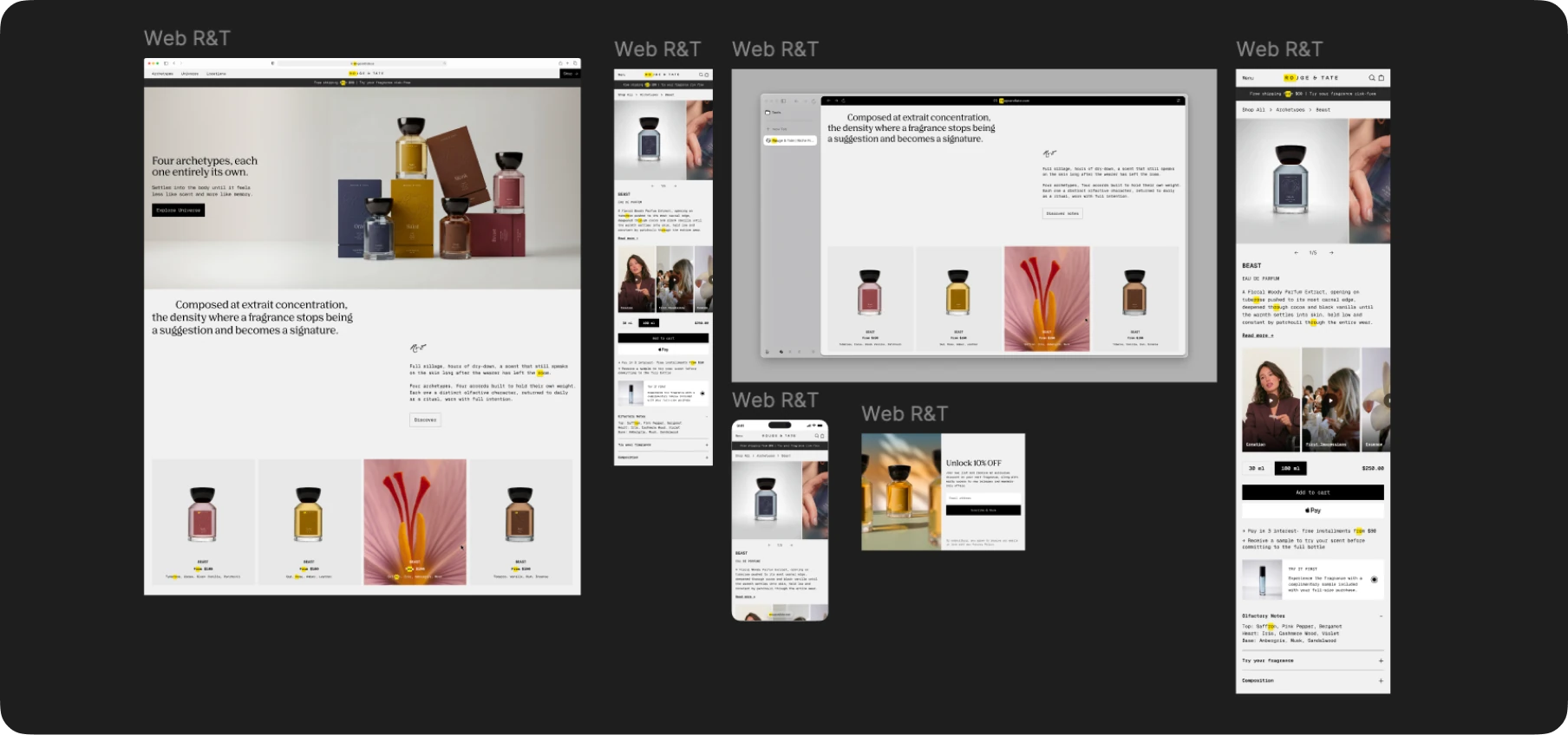
We already had a website designed in Figma for Rouge & Tate, a fragrance brand, so we decided to use it as the basis for the test. We connected Figma to Claude so it could work from the designs and references we had already created, while Claude was also connected to the Shopify development environment through MCP.
Since the visual direction was already defined, we weren’t asking Claude to design the store from scratch. We could point to a specific page or component in Figma and explain how we wanted it to behave in Shopify, from the product gallery and mobile layout to spacing, typography and dynamic product information.
The process was mostly iterative. Claude would work from the Figma designs, we would review the implementation in the store and make adjustments based on what we saw. This gave us a practical way to test how useful the setup was for moving from an existing design to a working Shopify storefront.
Where Claude worked best, and where it didn’t
The biggest difference we noticed was between frontend development and Shopify admin tasks.
On the frontend, Claude was genuinely useful. Because it had access to the theme, it could read the existing Liquid, CSS and JavaScript and make changes within that structure. We used it to build and adjust sections, product cards, collection pages and PDPs. When something didn’t match the Figma reference, we could point out the issue and iterate without having to explain the entire theme structure every time.
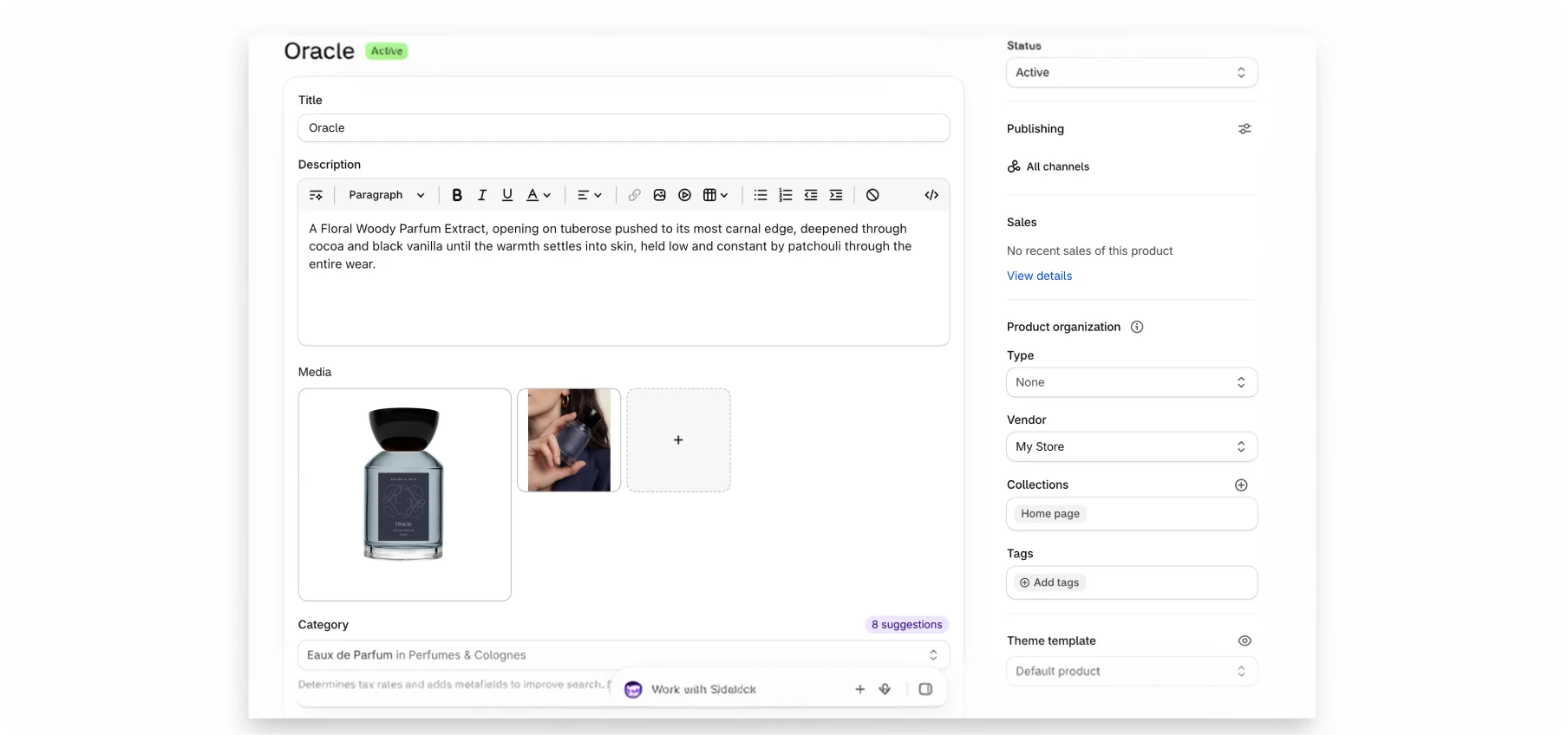
The workflow became less efficient with simpler Shopify tasks. We tested creating products and collections, creating metafields, adding product information and working with images through Claude. It could handle those tasks, but they often took longer than simply doing them in Shopify Admin. They required more calls, used more tokens and still needed to be checked afterward.
This ended up being one of the clearest takeaways from the test. Claude was most useful when there was something to interpret or solve like translating a Figma design into the theme, adjusting responsive behavior, working with Liquid or figuring out why something wasn’t displaying correctly. For products, collections, images and other straightforward store management, Shopify’s own interface was usually faster.
What we learned from the test
Having the Figma design finished before starting made a big difference. Claude had a clear reference to work toward, while the creative decisions stayed with our team. We still reviewed the store, decided what needed to change and refined the implementation as we went.
It also changed how we thought about using MCP. Just because Claude had access to Shopify didn’t mean every Shopify task needed to go through Claude. The setup was most valuable when that access gave Claude context it could actually use, rather than simply replacing a few clicks in Shopify Admin.
Would we use Claude + Shopify MCP again?
Yes, especially for theme development. It made the process much faster.
The biggest advantage was giving Claude access to the actual environment it was working in. Instead of dealing with isolated pieces of code, it could understand the theme in context and work directly from our Figma designs.
We’d be more selective with the administrative side of Shopify. Creating collections, setting up metafields, uploading product images, or editing basic product information is already simple, and using Claude for those tasks took more time than doing them manually.
The takeaway: Use AI where reasoning saves time, and Shopify Admin where clicks save time.
CreativeWise is a packaging and brand design studio for consumer brands. We build brand worlds, packaging systems, and AI photo campaigns for brands scaling from 3 to 30+ SKUs.