From Figma to Shopify:
what happens before a site goes live
By Sofi, Shopify Developer ·
There’s a moment in every website project when the Figma is approved and the project starts moving into development.
I’ve always found that part interesting because it’s not really where design ends and development begins. Most of the decisions around how the site should look and feel are already there, and now it’s my job to take all of that and figure out how it works inside the actual Shopify store.
That means real products, real content, different devices and everything that’s already happening behind the scenes.
Understanding the design before building
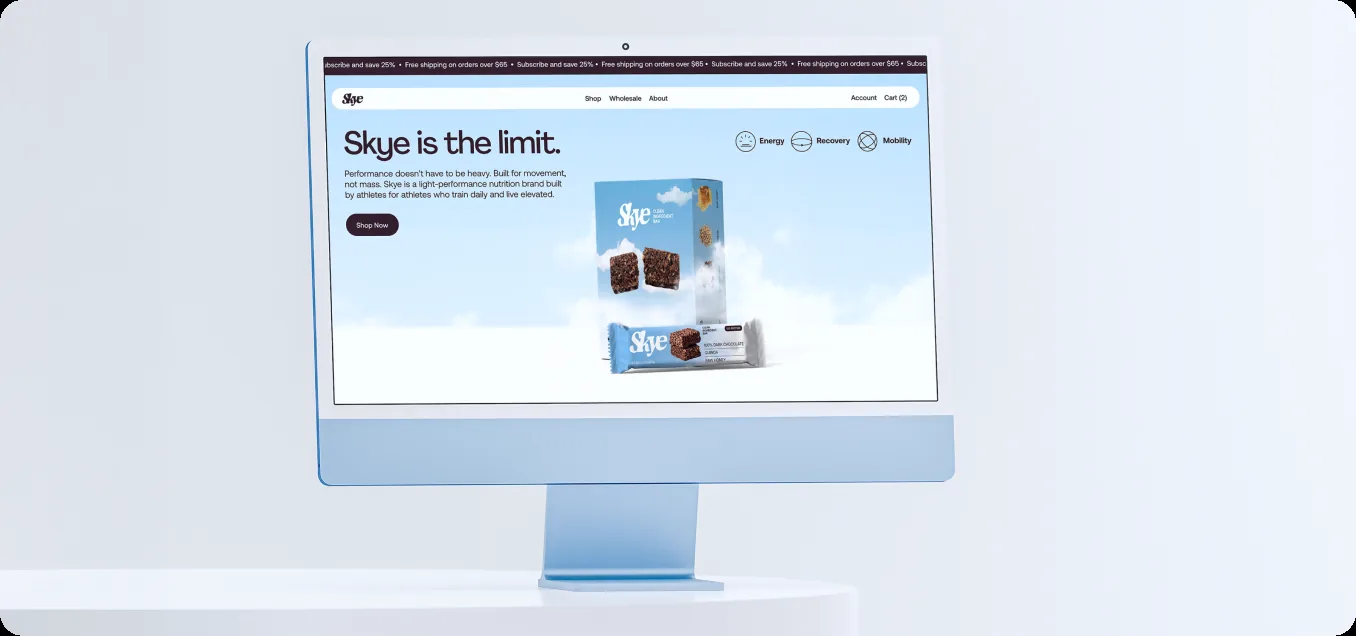
Before I start building section by section, I spend some time going through the design and understanding how everything is supposed to work together. Which components repeat? Which parts need to be flexible? What happens when the content changes? Are there interactions that are particularly important? Then I start connecting all of that to Shopify. Take a product card, for example. It’s the small block you see on a collection page with the product image, name and price. In Figma, the designer has already made all the decisions around typography, spacing, imagery, hierarchy and how that card should look and feel. On my side, I need to connect that same card to the actual product. The image needs to come from Shopify, the price needs to change if there’s a discount, it needs to know if the product is sold out, and clicking it needs to take you to the right product page. It’s still the exact same product card, I’m just looking at a different side of it.
New Builds vs. Existing Shopify Stores
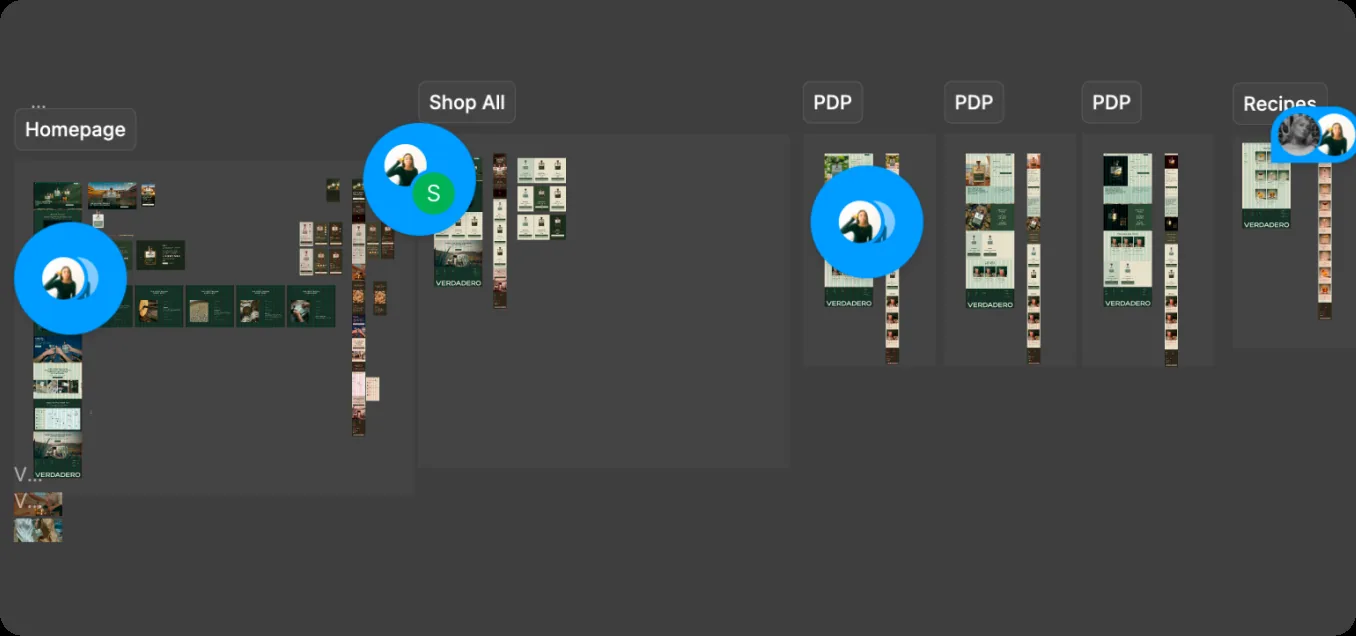
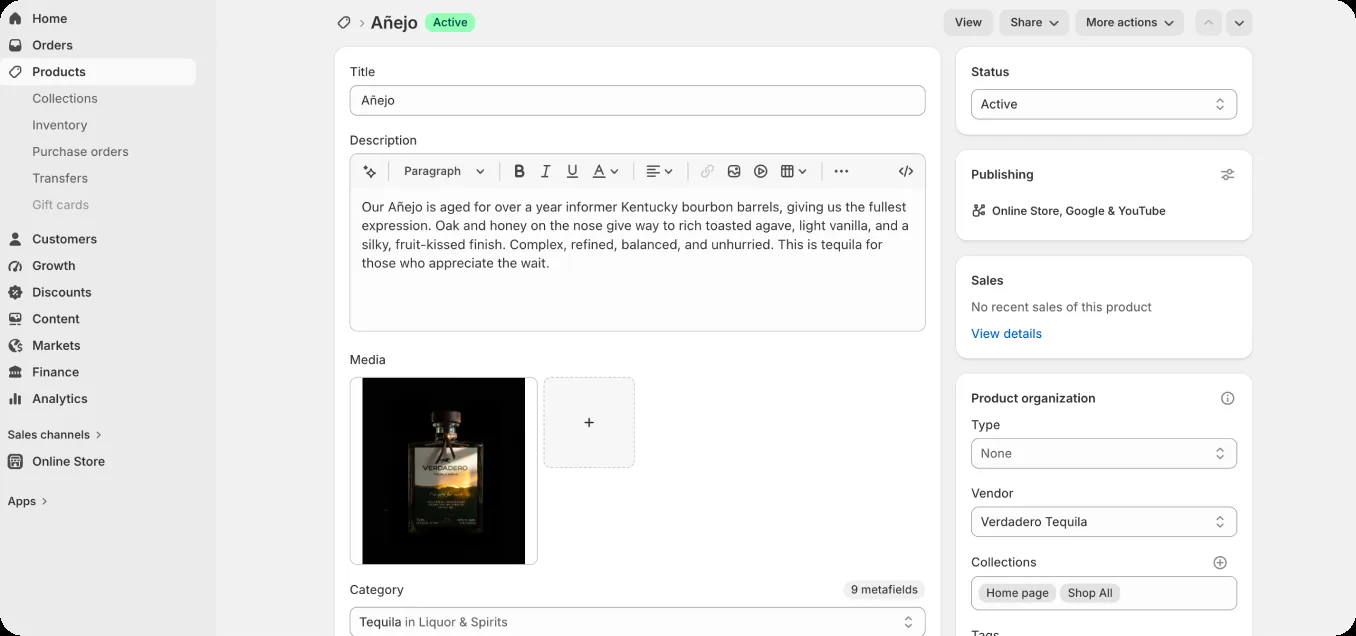
This gets particularly interesting when we’re redesigning a Shopify store that already exists. The new Figma shows where we want to take the site, but in Shopify there’s already a whole structure behind it: products, variants, inventory, subscriptions, apps, metafields and everything that has been set up over time. So before building something new, I need to understand how that existing setup works with what we’ve designed. It’s a little different when I’m building a custom Shopify store from scratch. In that case, I’m setting up that structure too. I know where the content is going to come from, how the products and variants are organized, what the client should be able to edit, which functionality makes sense to handle with an app and what we should build custom. With an existing store, a lot of those decisions have already been made. Sometimes the new design fits perfectly into that setup, and sometimes it asks the store to do something it wasn’t originally built to do. For example, we might design a product page where the price changes when someone selects a different product option. But then I get into Shopify and find that those options are being handled by third-party apps rather than Shopify variants. At that point, it’s not just a matter of coding the price change on the page. We might need to rethink how the products are structured first. That’s the kind of thing you would never really see by looking at the Figma, but it can completely change how we approach the build.
Seeing it work in the browser
This is probably my favorite part of the process. Everything we’ve been looking at in Figma finally starts coming to life in the browser. Hover states respond, carousels move, filters actually filter, prices change, menus open and the layout starts working across mobile and desktop. It’s also when we start noticing the little things. Maybe an animation needs different timing, a section feels too tight on mobile, or something that looked great in Figma needs a small adjustment once you can actually click through the site. There’s usually some back and forth with the designers here. We go through the build, see how everything feels and adjust things as they come up. A lot of the final details end up getting figured out at this stage.

Testing everything before launch
Once the site looks and works the way we want, we move into QA. This is basically where we try everything we can think of before someone else does. We test across mobile, desktop and different browsers, and check things like sold-out products, variants, longer product names, forms, links, buttons and interactions. It’s also where we catch all the small things that are easy to miss while you’re building. Maybe a title wraps differently on a smaller screen, a button behaves strangely in a specific state, or a section needs a little more padding. Nothing particularly glamorous, but it’s what gets the site from looking finished to actually being ready to launch.
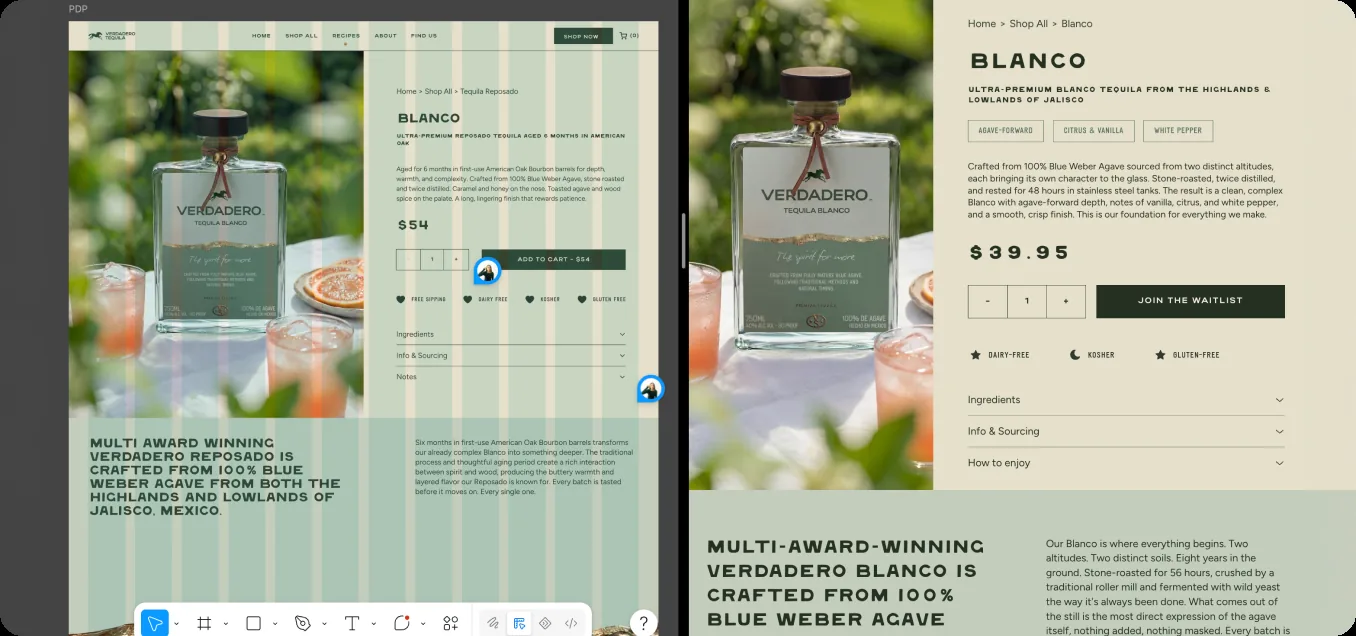
Designers are part of the entire build process
Even after the Figma is approved, I’m still talking to the designers throughout the build. Some decisions are just easier to make once we can actually see the site working, whether it’s the timing of an animation, how something feels on mobile or a Shopify limitation we didn’t know was there until we started building. And I never want a designer to simplify an idea because they assume it might be difficult to develop. I’d much rather see what they actually want to create and then figure out how we can make it work. Sometimes I can build it exactly as it was designed. Sometimes we need to adjust the approach a little. And sometimes something that looks complicated in Figma ends up being surprisingly simple to build. That’s why for me, the Figma approval never really feels like design is done and development starts. There’s still a lot of back and forth between both sides until we get to something that looks right, works properly and feels like the site we originally set out to build.
CreativeWise is a packaging and brand design studio for consumer brands. We build brand worlds, packaging systems, and AI photo campaigns for brands scaling from 3 to 30+ SKUs.