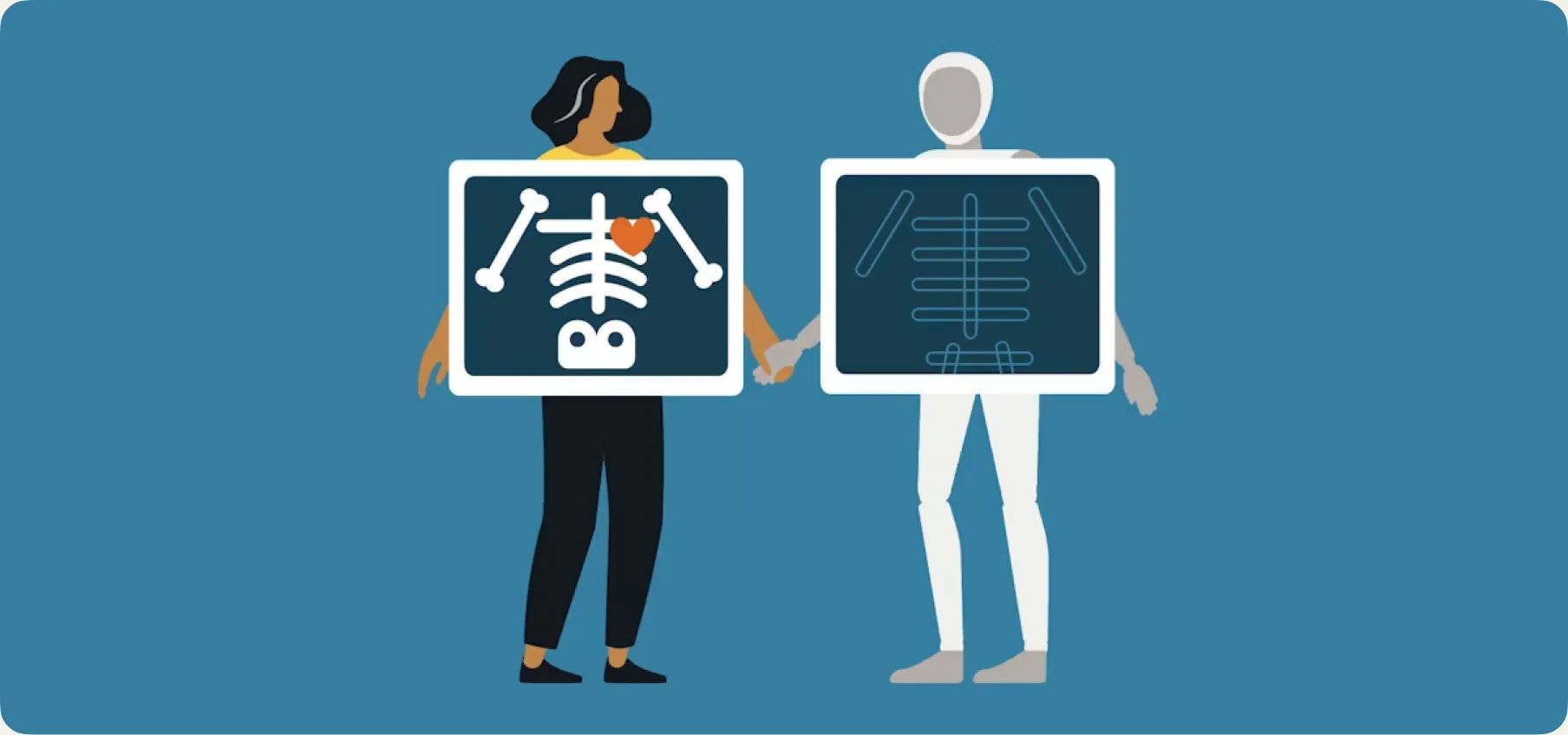
My client uses AI (and I love it!)
By Joy ·
There's a very known debate on the internet about AI vs designers. The end of every thread, LinkedIn post and Instagram carousel always ends with the same conclusion: “AI is not gonna take your job, but designers using AI will.” I agree, but the answer is very vague, considering we're not mentioning what happens when the client is the one using AI for design.
I'm a brand and web designer, but also an illustrator, so trust me, no one has heard the “you're getting replaced” speech more times than me. I wanted to share my point of view as a designer at CreativeWise, because honestly, my experience has been very positive.
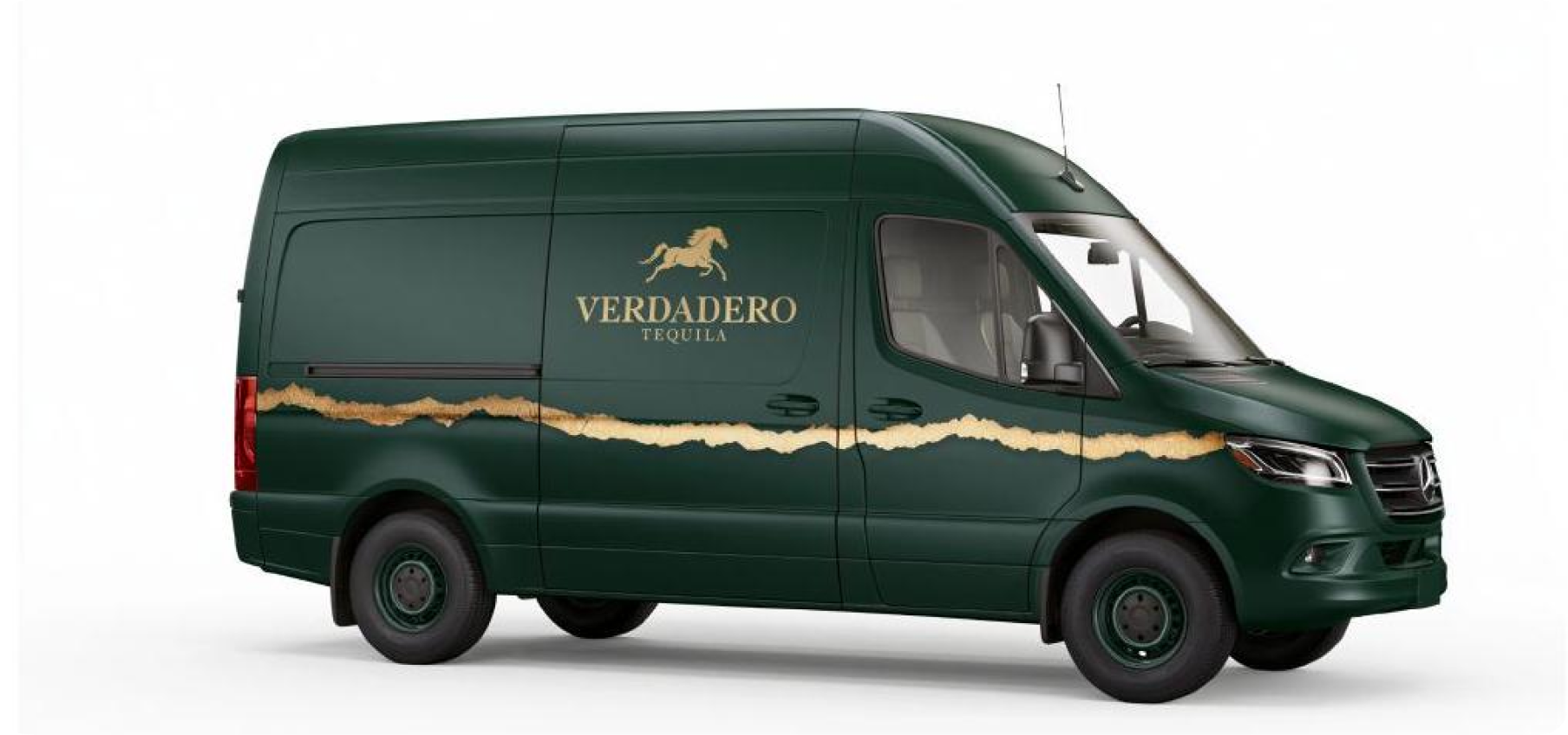
The brief got a glow-up
The most challenging thing about my work is interpretation. The client knows their business and their brand, and I translate that into visuals. This has always been the case and will likely always be.
What changes with AI is the starting point. Before AI, briefs used to come as a text document and my job was trying to get the closest to what clients were envisioning in a first draft idea. Now, the first draft comes from the client.
That's what an AI reference does. It's not a design; for me, it's a rough visual brief, like an elevated napkin sketch.
From seed to finished piece (spoiler: that's still me).
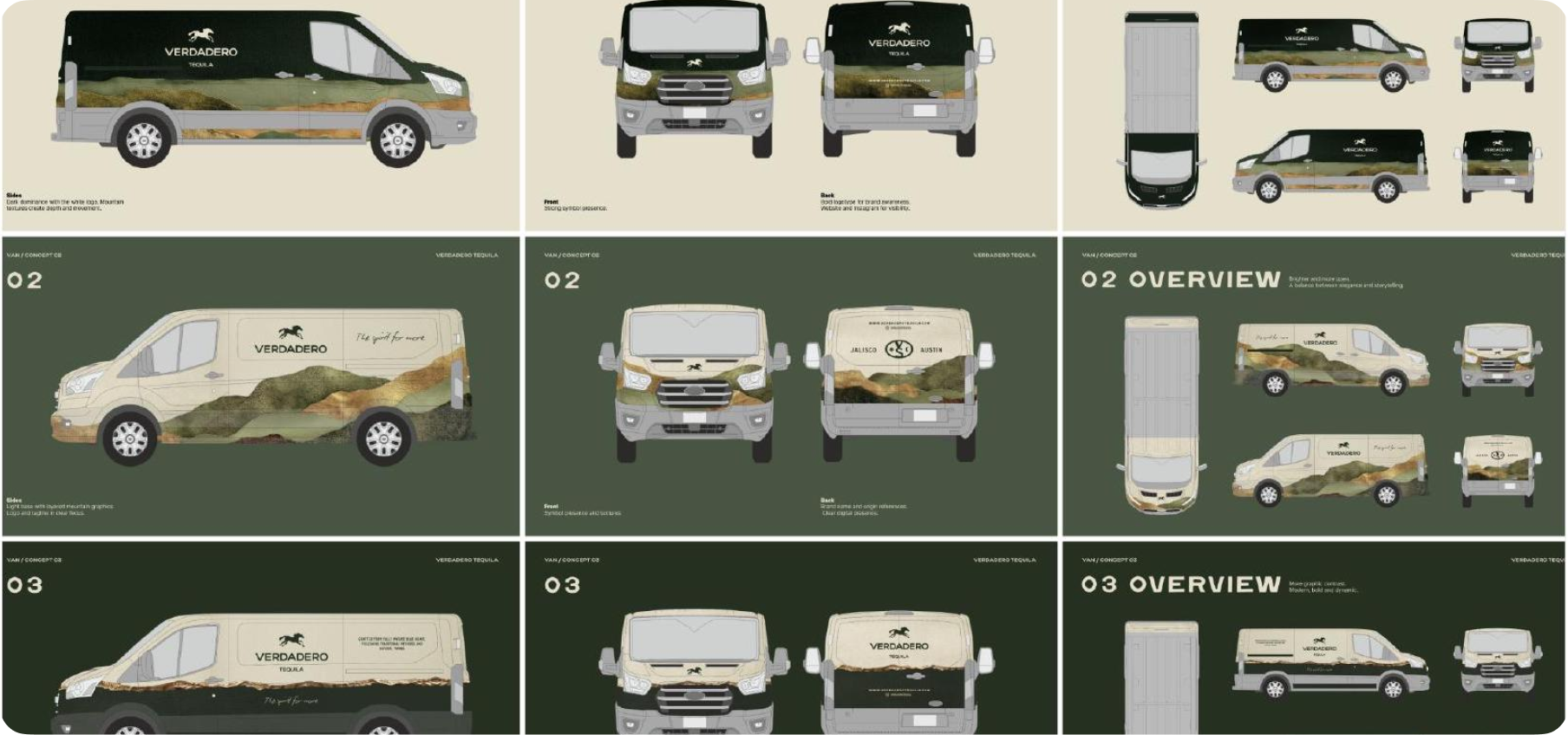
When a client sends me something made with AI, I see it a seed, a starting point. From there, the real work begins: art direction, consistency with the brand's universe, print quality, the hundred decisions that make a piece actually work.
Generating images takes seconds. Resolving a design piece takes hours, sometimes days (and believe me, even with a strong workflow). It involves craft, decisions and a deep understanding of how every element works together within the brand. That doesn't change, with or without AI in the picture.
Sound familiar? It should
When Canva came out, there was a lot of resistance among designers, because it suddenly allowed anyone to create something pretty. What a lot of people took years to learn to do in Photoshop or Illustrator, now someone with no experience had access to. Today we use it naturally, especially as a bridge with clients who need to show us something quickly. AI is at a similar moment: a new tool, lots of noise around it, and a chance to integrate it without losing what we're good at.
For me, every tool that helps a client get closer to visual language ends up improving the relationship. Not less work, just a clearer starting point.

Your turn: how to AI like a friend of the studio
If you are part of a consumer brand and you're curious about exploring, here's how I find it most useful:
- Use AI for the moodboard, not the final design. Generate references for the tone, the atmosphere, the style you're imagining. I'm not expecting a polished piece, just a better understanding of your vision.
- It doesn't matter if none of the images are exactly what you envision. You can also use them to tell me what you don't want. A reference that misses the mark is just as valuable as one that nails it. No pressure.
- Start with what you already have. ChatGPT, Midjourney, even the image generation inside the tools you're probably already paying for, they all work really well for this stage. The goal is direction, not perfection.
Last but not least, have fun and explore creating things! I encourage every form of creativity (yes, even prompting). It's such an advantage that AI is accessible to everyone.